
About Jis Flip
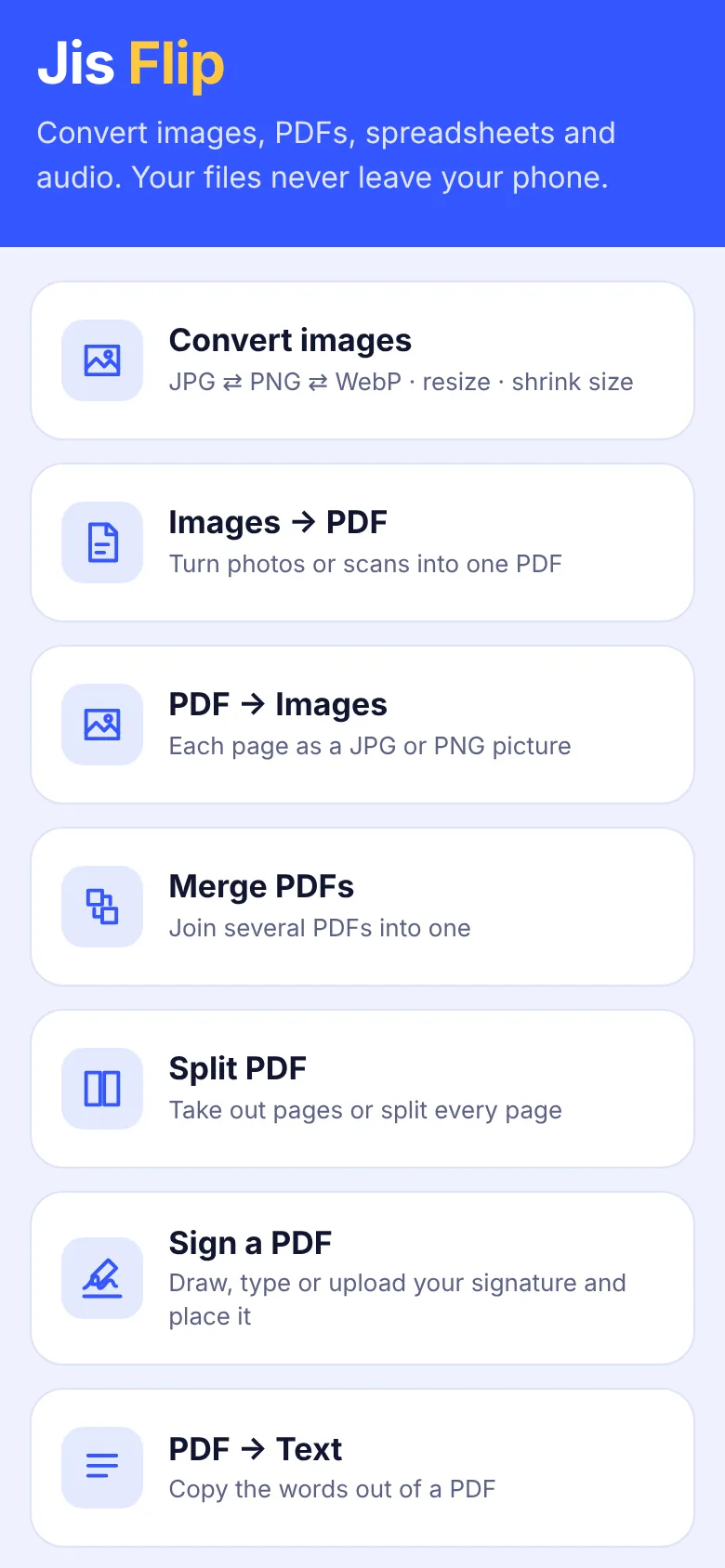
Jis Flip converts photos, PDFs, spreadsheets and audio right on your phone or computer. Nothing is uploaded, so your documents stay private and it works offline.
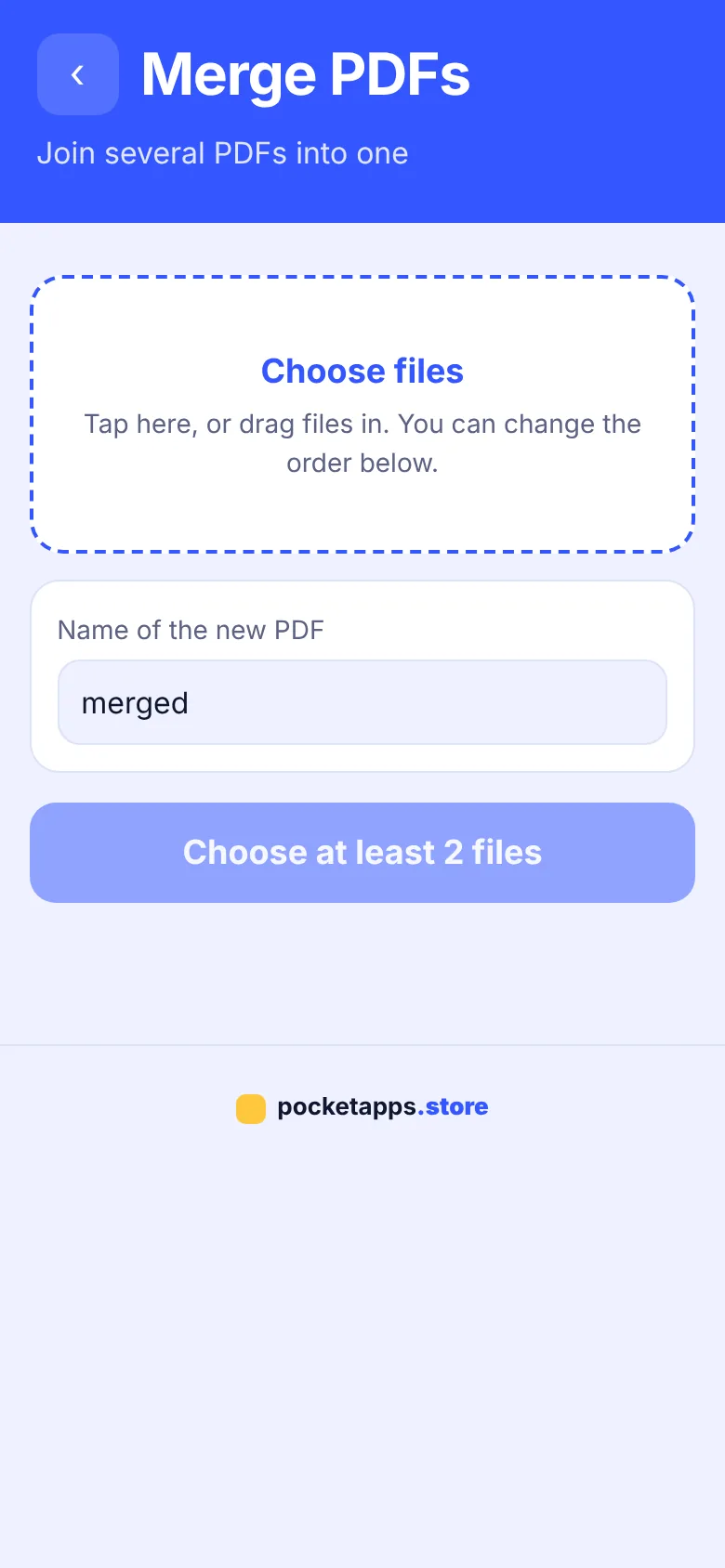
Merge and split PDFs, turn photos into a PDF, sign documents with your own signature, shrink photos and convert Excel, CSV and JSON files in seconds.
What you can do
- Convert JPG, PNG and WebP
- Resize and compress photos
- Images to PDF and PDF to images
- Merge and split PDFs
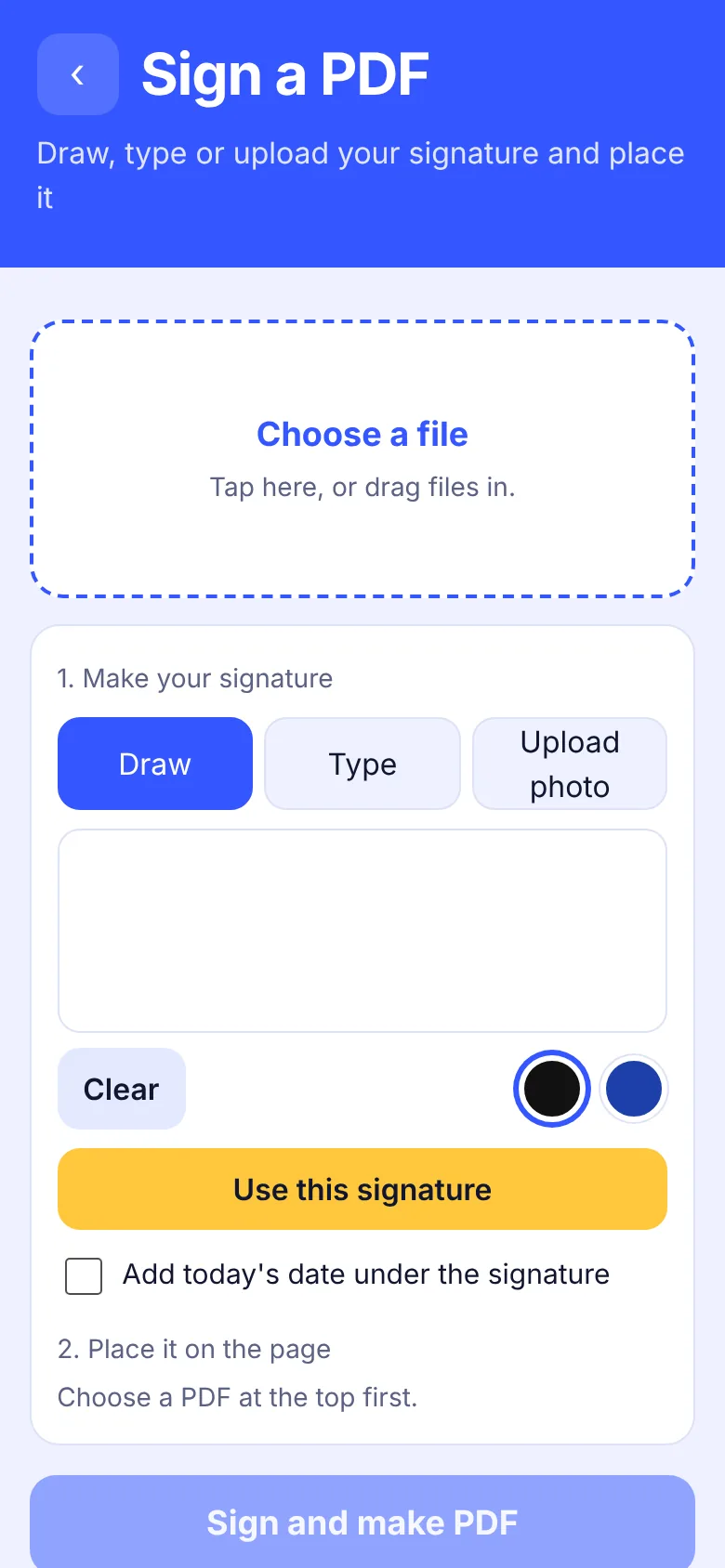
- Sign a PDF with your signature
- Excel, CSV and JSON converter
- PDF to text, text to PDF
- Audio and video to WAV
How to get Jis Flip
- Start your free trialPick a plan. It's free for 7 days and you can cancel any time.
- Open Jis FlipOn iPhone use Safari, on Android use Chrome, on a computer use Chrome or Edge.
- Install itiPhone: Share › Add to Home Screen. Android: ⋮ › Install app. Computer: the install icon in the address bar.
- Enter your keyType your membership key once. It works for every app.
Questions about Jis Flip
Are my files uploaded anywhere?
No. Every conversion happens on your own device, so your files never leave it.
Can I sign a PDF on my iPhone?
Yes. Open Jis Flip, choose Sign a PDF, draw or type your signature and place it on any page.


One membership. Every app.
7 days free, then from £5.00 a month. Cancel any time.