
About Jis Cutout
Jis Cutout removes the background from your photos in one tap – ideal for product photos for Vinted, eBay, Etsy and Instagram, profile pictures and simple designs.
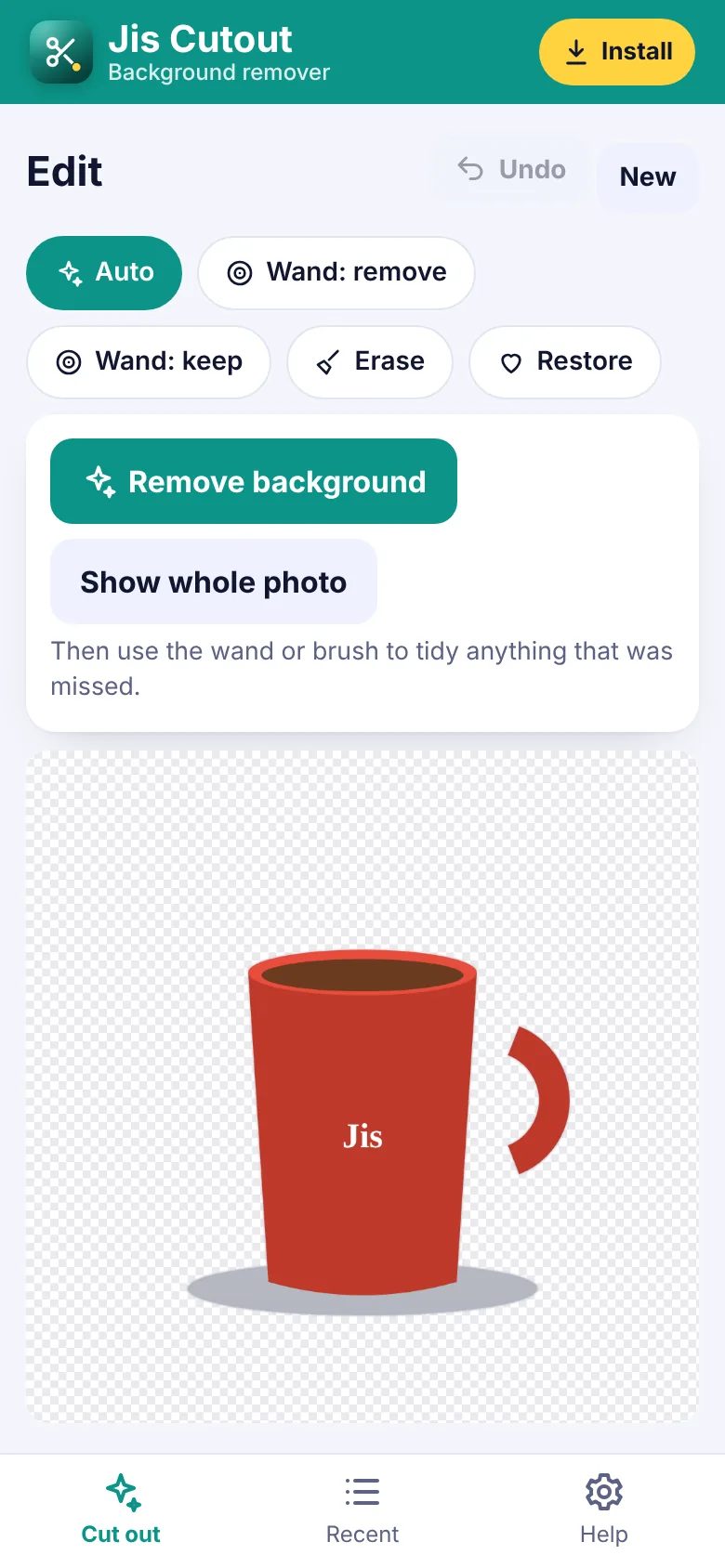
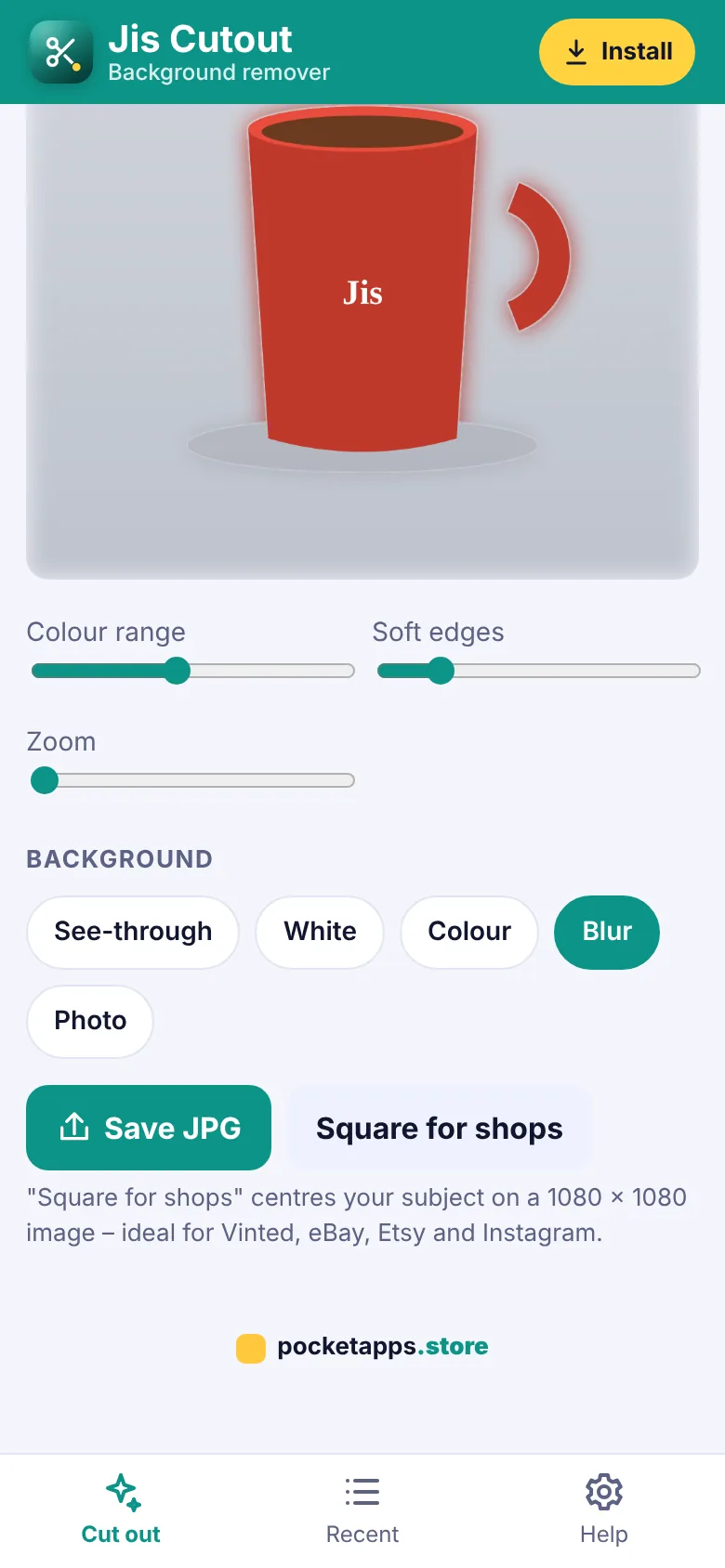
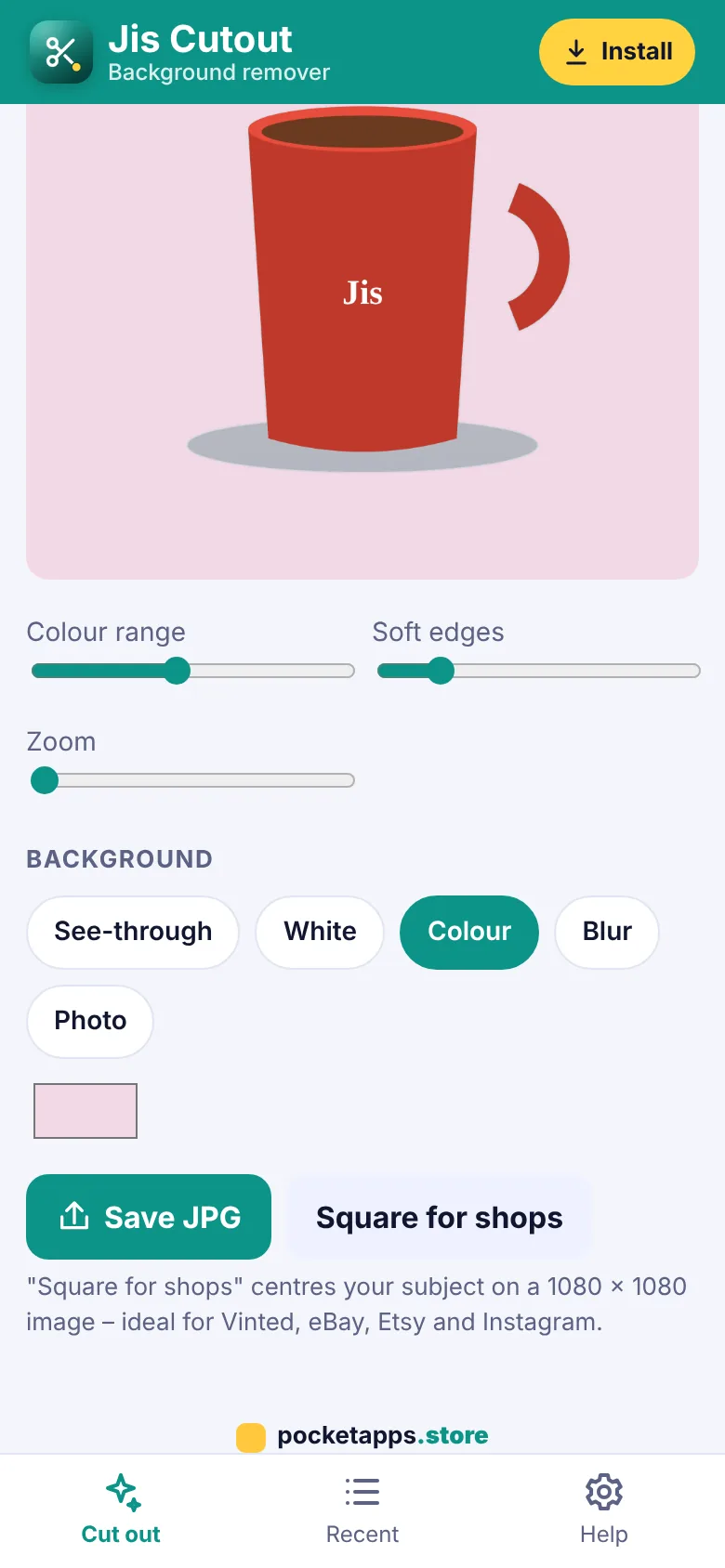
After the automatic cut-out, tidy it up with the magic wand or the erase and restore brushes, then choose a see-through, white, coloured, blurred or photo background. Save a PNG or JPG, or a 1080 by 1080 square made for shop listings. Everything happens on your phone, so your photos are never uploaded.
What you can do
- Remove the background in one tap
- Kept on your device – nothing uploaded
- Magic wand to keep or remove areas
- Erase and restore brushes
- Undo
- Soft edges
- See-through, white, colour, blur or photo backgrounds
- Save PNG or JPG
- Square 1080 x 1080 for shops
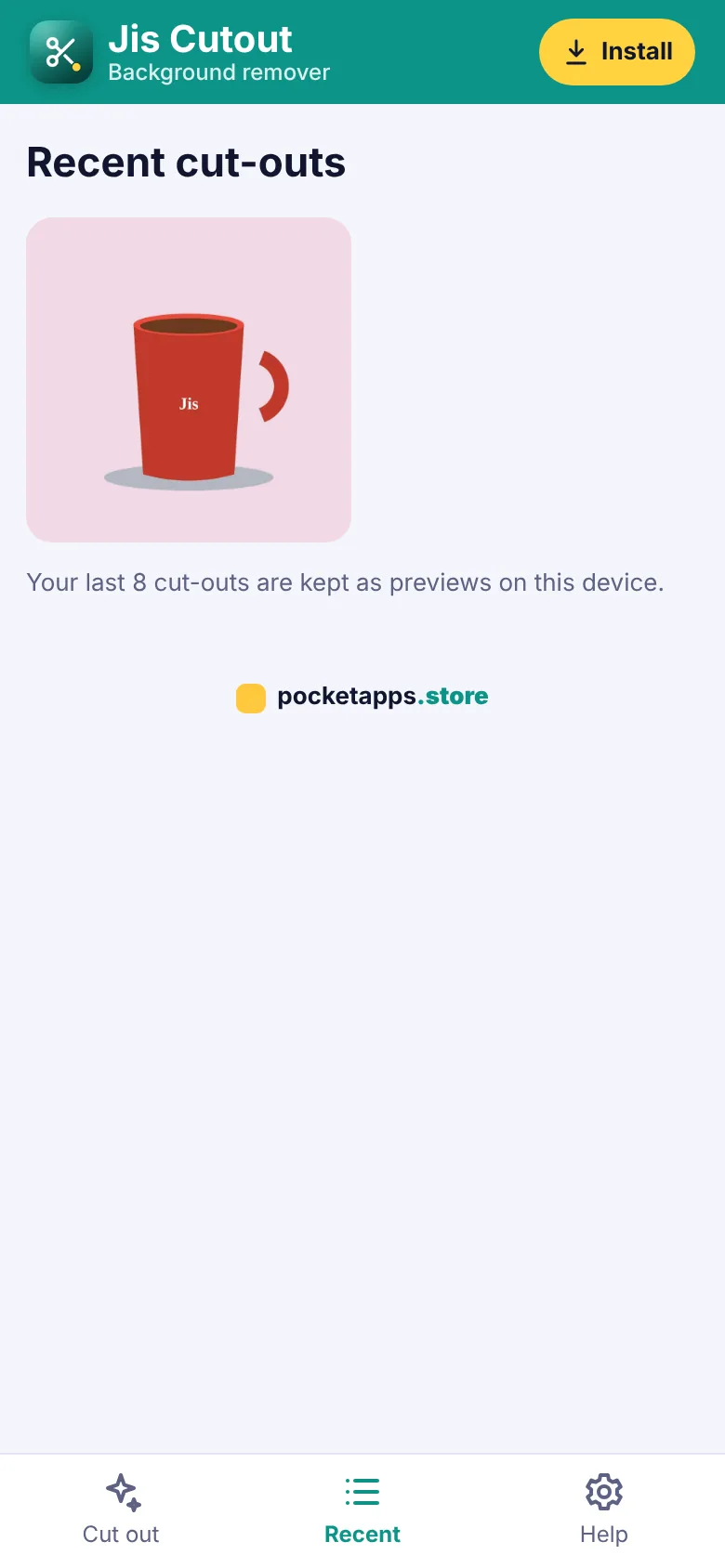
- Recent cut-outs
How to get Jis Cutout
- Start your free trialPick a plan. It's free for 7 days and you can cancel any time.
- Open Jis CutoutOn iPhone use Safari, on Android use Chrome, on a computer use Chrome or Edge.
- Install itiPhone: Share › Add to Home Screen. Android: ⋮ › Install app. Computer: the install icon in the address bar.
- Enter your keyType your membership key once. It works for every app.
Questions about Jis Cutout
Which photos work best?
A clear subject on a plain or simple background – a product on a table, a person against a wall or sky. Busy backgrounds may need a little brush work.
Are my photos uploaded?
No. The cut-out is worked out on your phone.
Can I make the background transparent?
Yes. Choose See-through and save as PNG.
What is Square for shops?
It centres your item on a 1080 by 1080 picture with a white or coloured background – the size marketplaces like best.



One membership. Every app.
7 days free, then from £5.00 a month. Cancel any time.