
About Jis Clip
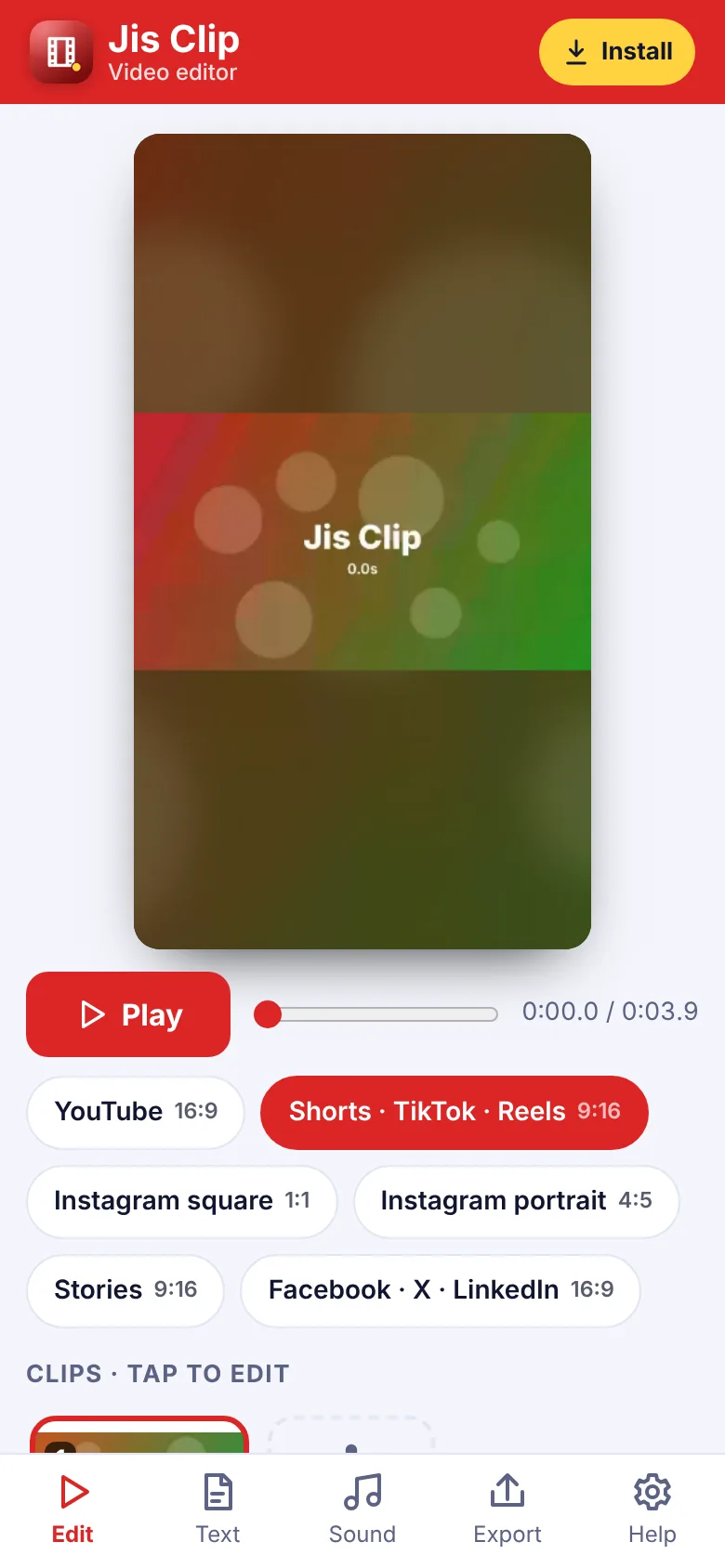
Jis Clip is a simple video editor for YouTube, Shorts, TikTok, Reels, Instagram, Stories, Facebook, X and LinkedIn. Add videos and photos, trim and split them, put them in order, and choose the size you need – 16:9, 9:16, square or 4:5. Clips that do not fit are placed on a blurred background, filled or fitted with bars.
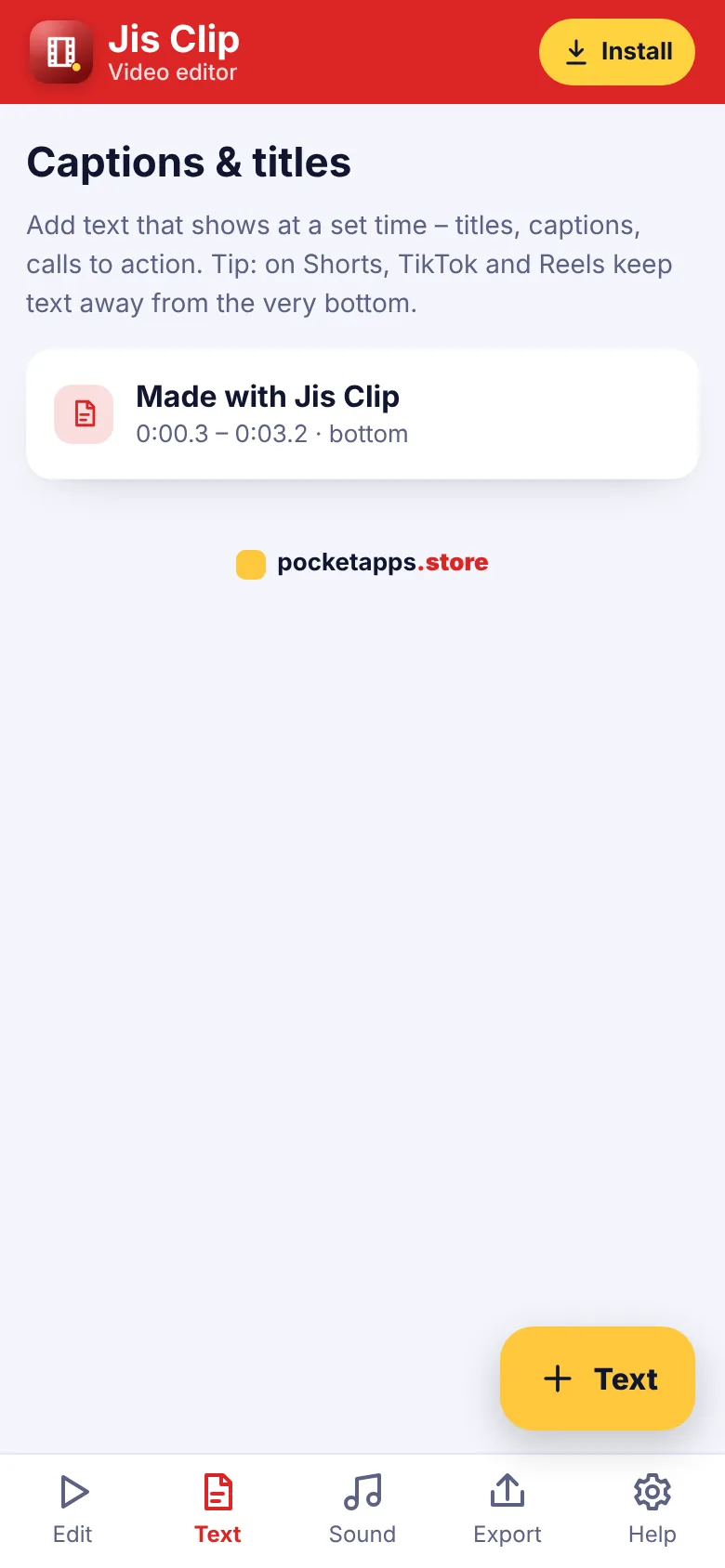
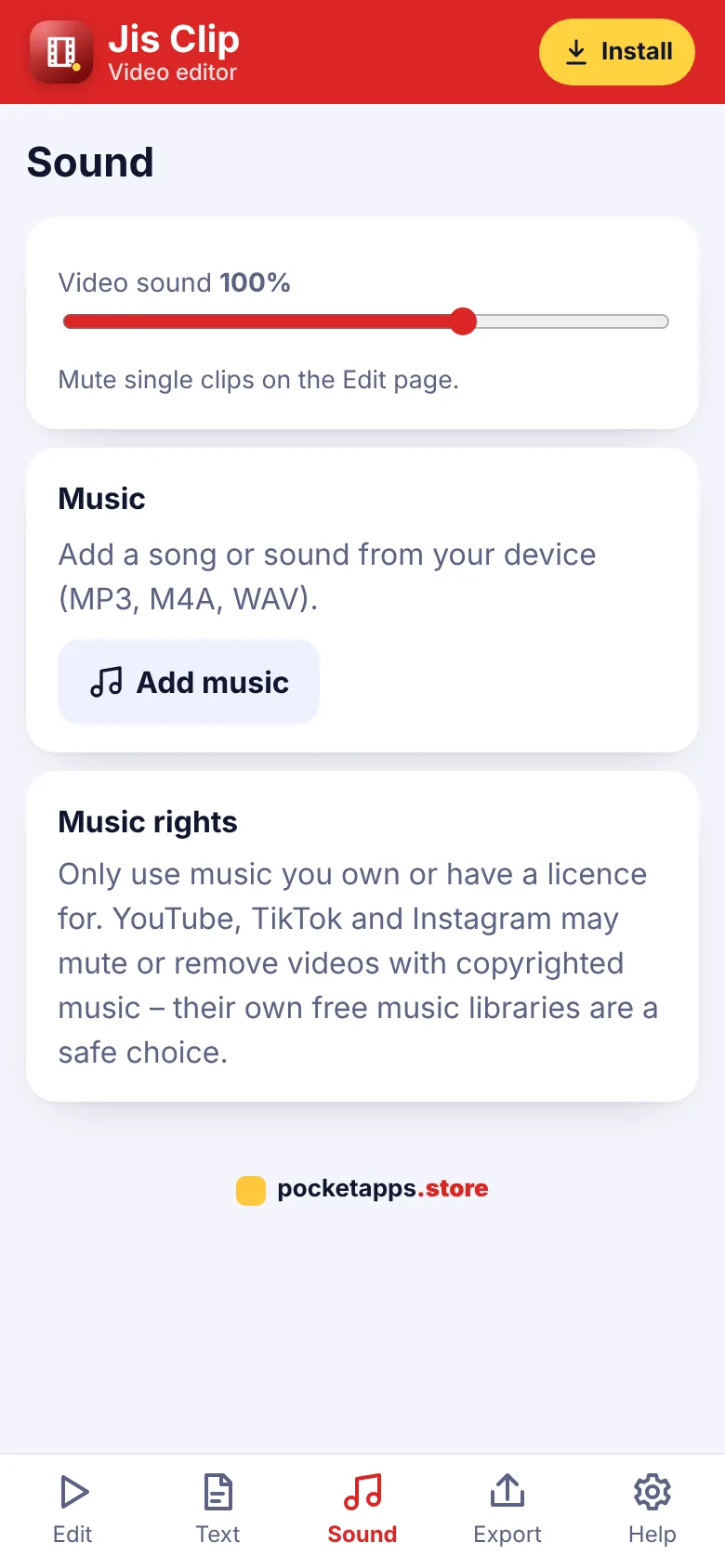
Add captions and titles that show at set times, background music with its own volume, gentle zooms on photos and soft fades between clips. Export in HD 720p or Full HD 1080p and share it straight to your favourite app. Everything happens on your phone or computer – your videos are never uploaded.
What you can do
- Sizes for YouTube, Shorts, TikTok, Reels and more
- Kept on your device – nothing uploaded
- Trim, split, duplicate and reorder
- Videos and photos with slow zoom
- Captions and titles with timings
- Background music and volume
- Mute a clip
- Blurred background, fill or fit
- Fades in, out and between clips
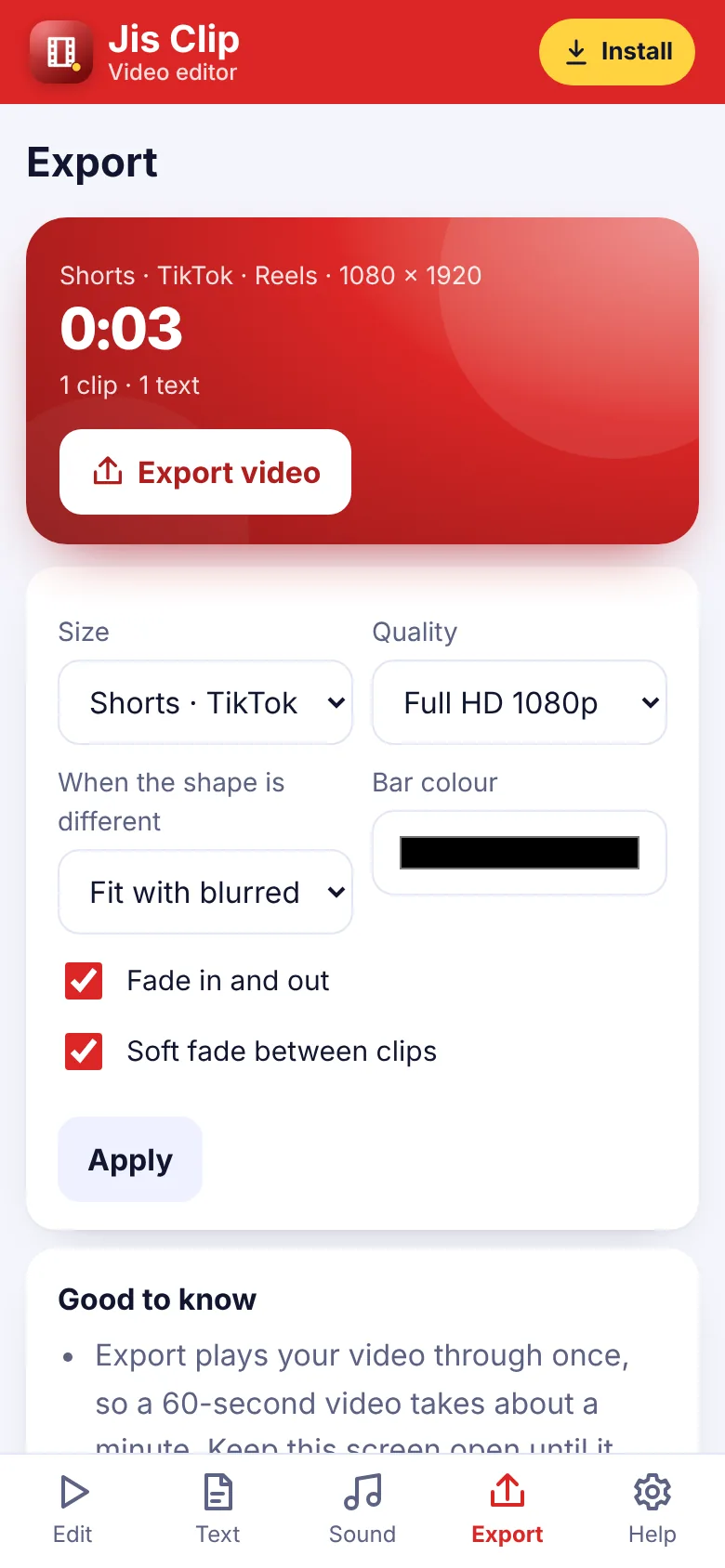
- Export HD 720p or Full HD 1080p
How to get Jis Clip
- Start your free trialPick a plan. It's free for 7 days and you can cancel any time.
- Open Jis ClipOn iPhone use Safari, on Android use Chrome, on a computer use Chrome or Edge.
- Install itiPhone: Share › Add to Home Screen. Android: ⋮ › Install app. Computer: the install icon in the address bar.
- Enter your keyType your membership key once. It works for every app.
Questions about Jis Clip
Which sizes can I make?
YouTube 16:9, Shorts, TikTok and Reels 9:16, Instagram square 1:1 and portrait 4:5, Stories 9:16, and Facebook, X and LinkedIn 16:9.
How long does export take?
Jis Clip plays your video through once while saving it, so a 60-second video takes about a minute. Keep the screen open.
What format is the video?
MP4 on most phones and computers. A few older browsers save WebM, which YouTube and most apps still accept.
Can I use any music?
Only music you own or have a licence for. Social apps may mute videos with copyrighted music – their own free music libraries are a safe choice.


One membership. Every app.
7 days free, then from £5.00 a month. Cancel any time.