
About Jis Cast
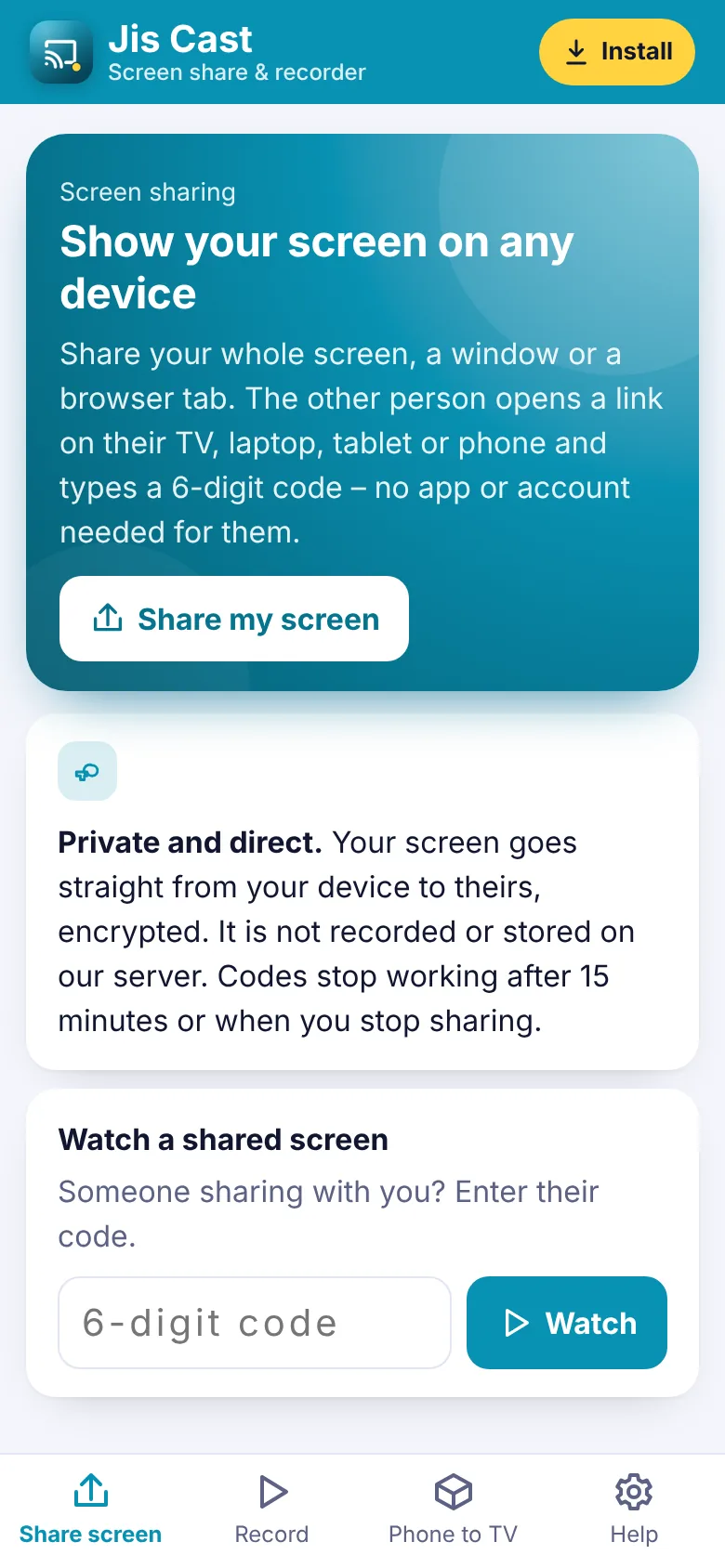
Jis Cast lets you show your computer screen on another device in seconds. Choose your whole screen, a window or a browser tab, and you get a 6-digit code. Open the watch page on any phone, tablet, laptop or smart TV browser, enter the code and the picture appears – no app, no account and no cables for the person watching.
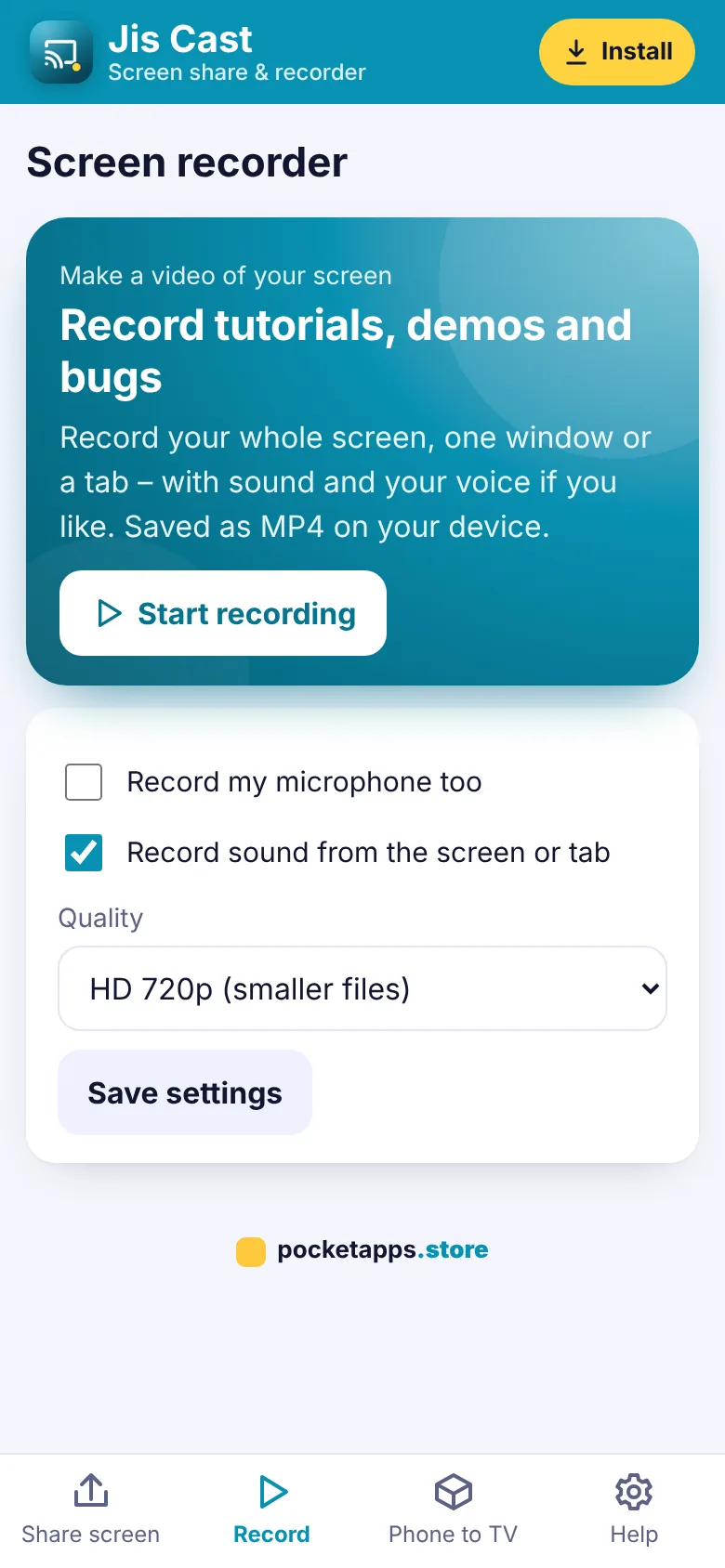
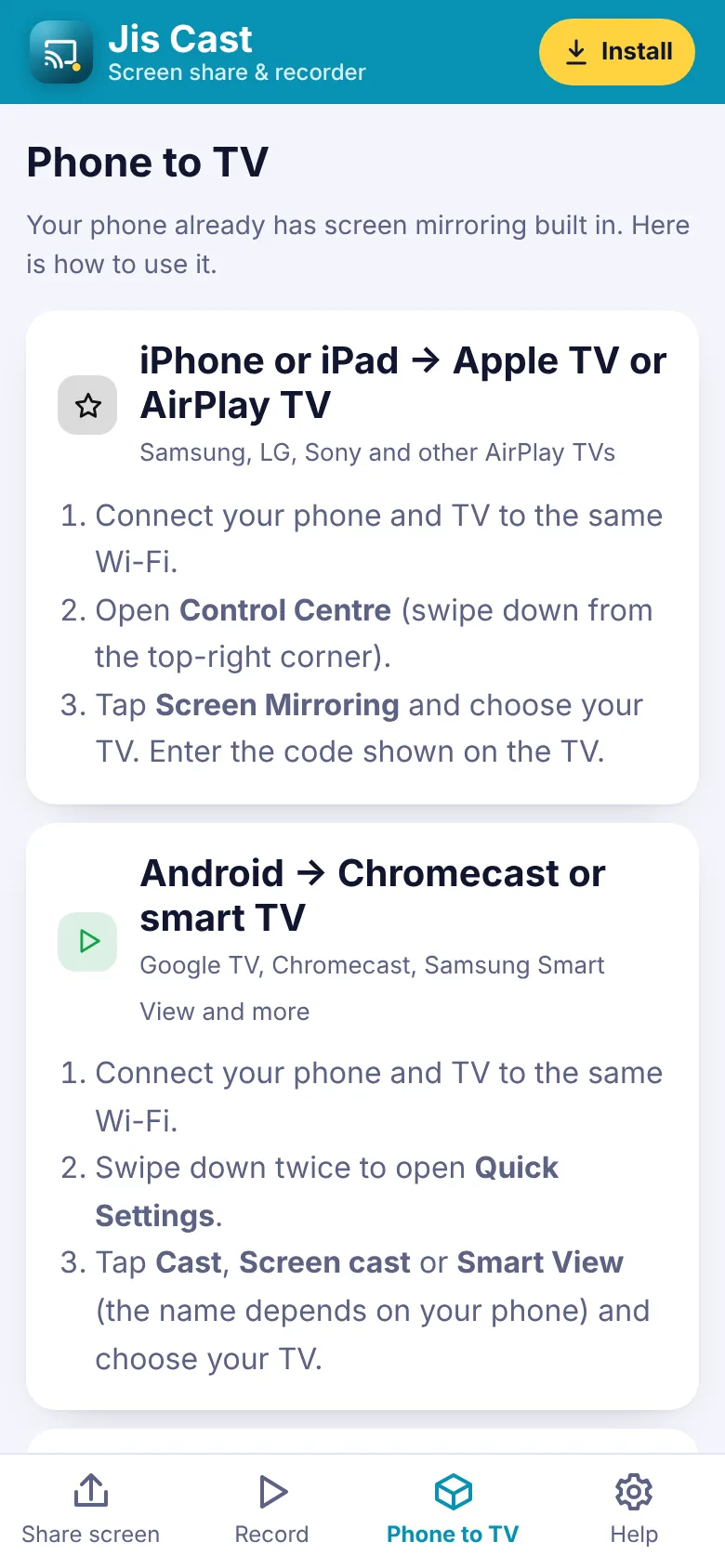
The picture goes straight from your device to theirs, encrypted. Jis Cast is also a screen recorder: record tutorials, demos and bug reports with your voice, and save the video. For phones, easy guides show how to mirror to your TV with AirPlay, Chromecast or a cable.
What you can do
- Share your screen with a 6-digit code
- Kept on your device – nothing recorded on our server
- Watch on any phone, tablet or TV browser
- Whole screen, a window or a tab
- Picture goes straight between devices, encrypted
- More than one viewer
- Screen recorder with your microphone
- Save recordings as video
- Guides to mirror your phone to a TV
- Codes end after 15 minutes
How to get Jis Cast
- Start your free trialPick a plan. It's free for 7 days and you can cancel any time.
- Open Jis CastOn iPhone use Safari, on Android use Chrome, on a computer use Chrome or Edge.
- Install itiPhone: Share › Add to Home Screen. Android: ⋮ › Install app. Computer: the install icon in the address bar.
- Enter your keyType your membership key once. It works for every app.
Questions about Jis Cast
Can I share my phone screen?
Phones do not let websites share their screen, but they can watch. To show your phone on a TV, use the Phone to TV guides for AirPlay or Chromecast.
What does the viewer need?
Just a web browser. They open the watch page and type the code – no membership needed.
Is it private?
Yes. The video goes directly from your device to theirs and is encrypted. Our server only passes on the connection details, and codes are deleted after 15 minutes.
Does it work on every network?
It works on most home and mobile networks. Some strict office or school networks block direct connections.



One membership. Every app.
7 days free, then from £5.00 a month. Cancel any time.